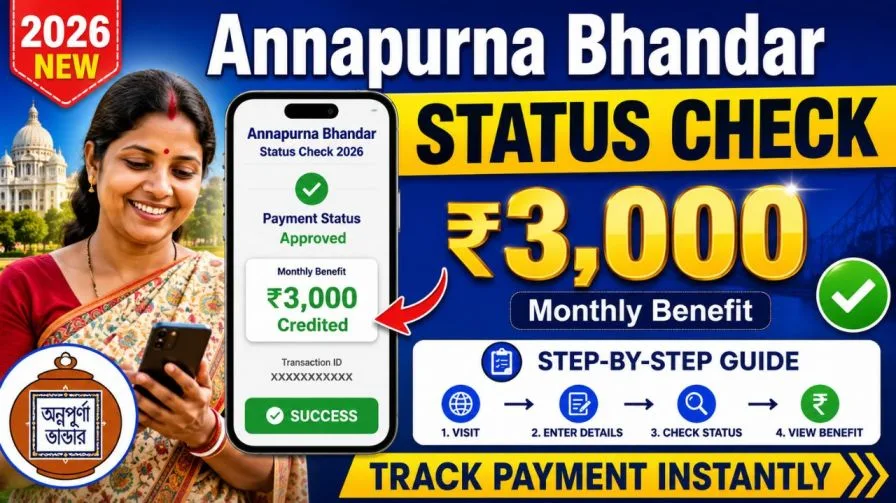
If you live in West Bengal and have been a beneficiary of the Lakshmi Bhandar scheme, there is a significant update that directly affects your monthly financial support. The West Bengal Government has launched the Annapurna Bhandar Yojana — a major upgrade to its earlier social welfare program — designed to deliver stronger, more equitable financial assistance to women across the state.
Unlike its predecessor, which distributed different payment amounts based on caste classifications, the Annapurna Bhandar framework introduces a uniform flat benefit of ₹3,000 per month for every approved beneficiary. This simplification removes inconsistencies and ensures that all eligible women — regardless of social background — receive the same level of financial support. Over a full year, that amounts to ₹36,000 in direct household assistance.
The entire program is managed through the Annapurna Yojana Portal, which is integrated with the West Bengal Social Security Portal for transparent, real-time tracking of applications and payments.
Who Is Eligible for the Annapurna Bhandar Scheme?
Before you track your status or begin the application process, it is important to confirm that your household satisfies all the official eligibility conditions. The state maintains strict criteria to preserve program integrity and prevent misuse of public funds.
Core Eligibility Requirements
Gender and Residency: The applicant must be a woman who is a permanent, domicile-based resident of West Bengal.
Age Bracket: Registration is open only to women between 25 and 60 years of age at the time of application.
Employment Status: Women employed in permanent government positions — or those drawing a regular salary, pension, or stipend from state or central government departments — are not eligible.
Income Tax Filing: Any woman who is an active income taxpayer is automatically excluded from the program.
Bank Account Type: Beneficiaries must hold a sole, single-holder bank account. Joint accounts are strictly prohibited, as they frequently cause technical failures during bulk Direct Benefit Transfer (DBT) disbursements.
Meeting all five of these criteria is mandatory. Even a single disqualifying factor can lead to automatic rejection during the verification phase.
How to Perform an Annapurna Bhandar Status Check Online (2025)
Tracking your application is simple and takes less than three minutes if you have your registration details ready. Here is the complete, step-by-step process:
Step 1: Open the Official State Portal
Launch your web browser and navigate to the official West Bengal Social Security Portal (look for URLs ending in .gov.in to confirm authenticity). From the homepage, locate the direct link to the Annapurna Yojana tracking dashboard.
Step 2: Click on the Application Tracking Option
On the portal’s main interface, find and select the button labeled “Track Applicant Status” or “Track Application.” This opens a secure query form designed to protect your personal data.
Step 3: Enter Your Identification Details
The portal gives you the flexibility to identify yourself using any one of the following four credentials:
- Your unique Application Reference Number
- Your registered mobile number
- Your Aadhaar card number
- Your Swasthya Sathi card number
You do not need to provide all four — one is sufficient.
Step 4: Complete the Captcha and Submit
Type the captcha characters displayed on the screen precisely as shown, then click “Search” or “Check Status.” Your current application status and payment history will load on the screen immediately.
Decoding Your Application Status: What Each Message Means
Once your search completes, the portal displays one of several standard status phrases. Here is what each one means and what action (if any) you should take:
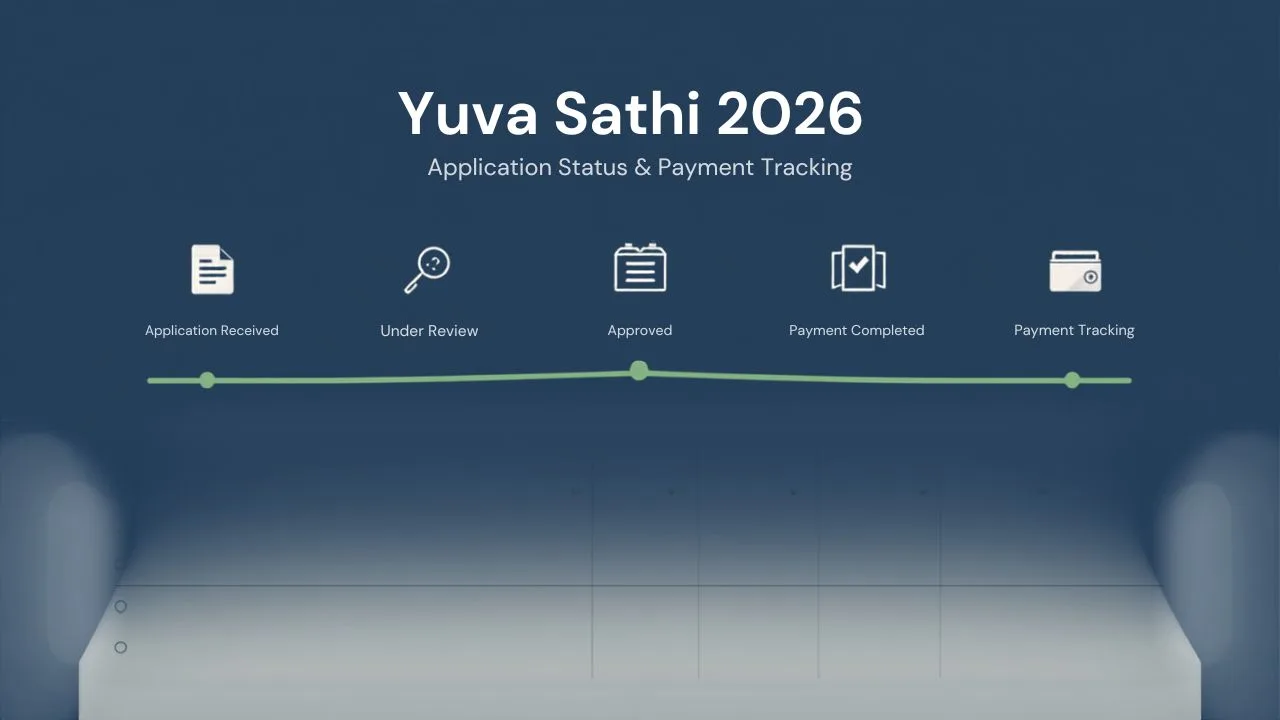
| Status Message | Meaning | Action Required |
|---|---|---|
| Pending Verification | Your documents are being reviewed by a Block Development Officer (BDO) or Sub-Divisional Officer (SDO) | No action needed — wait for the review to complete |
| Approved | All verification checks have passed; your profile is in the active disbursement directory | Ensure your bank account is active and Aadhaar-linked |
| Payment Initiated | Your ₹3,000 has been released by the state treasury and is in transit via DBT | Check your bank balance within 2–3 working days |
| Rejected / Error | A discrepancy was found (name mismatch, missing documents, invalid bank account) | Review the error note displayed and resubmit corrected documents |
If your status shows Approved but your bank account shows no credit, the issue almost certainly lies with your Aadhaar–bank account mapping — a common technical problem covered in detail below.
Transitioning from Lakshmi Bhandar to Annapurna Bhandar: What You Must Know
This is the most critical update for existing beneficiaries. The migration is not automatic. While some government communication suggested a background transfer, the Department of Women and Child Development has confirmed that all previous Lakshmi Bhandar recipients must complete a fresh manual registration to be enrolled under the Annapurna Bhandar program.
This additional step is necessary to clean up historical data errors and bring all records into compliance with the updated state database standards.
Key Transition Details
- A 90-day enrollment window has been announced for this transition
- Applications can be submitted both online via the Annapurna Yojana Portal and offline through Duare Sarkar camps
- Beneficiaries who complete the re-registration before the deadline will not lose their monthly benefit continuity
If you previously received ₹500–₹1,000 per month under Lakshmi Bhandar and have not yet re-registered, act immediately to avoid missing out on the higher ₹3,000 monthly entitlement.
Solving DBT Payment Failures: The Aadhaar Seeding Problem Explained
Direct Benefit Transfer payments can only be deposited into a bank account that is actively seeded with your Aadhaar number through the National Payments Corporation of India (NPCI) framework. If this digital link is broken, inactive, or mapped to the wrong account, your funds will bounce — even when your portal status shows “Approved.”
How to Check Your Aadhaar–Bank Mapping
- Visit the official NPCI portal
- Open the “Bharat Aadhaar Seeding Enabler” tool
- Enter your Aadhaar details and verify your identity using the OTP sent to your linked mobile number
- The dashboard will display which specific bank account is currently set to receive government benefit transfers
How to Fix a Mapping Error
If your seeding shows an old, closed, or incorrect account, take these steps:
- Visit your bank branch in person with your Aadhaar card, passbook, and a self-attested identity document
- Request e-KYC completion and Aadhaar re-seeding to the correct account
- Alternatively, submit a bank account update form at the nearest Duare Sarkar welfare camp
Do not wait for the next payment cycle to resolve this — delays compound over months and recovering missed transfers requires additional bureaucratic steps.
Documents Required for New Applicants
Fresh applicants should organize the following documents before beginning their online or offline registration:
1. Aadhaar Card — Must be linked to an active mobile number to receive OTP-based verifications during the application process.
2. Voter ID Card (EPIC) — Used by field officers to confirm your permanent residential constituency within West Bengal.
3. Bank Passbook (Opening Page) — Must clearly show your full name, account number, and IFSC code. The name on the passbook must match your Aadhaar exactly — even minor spelling differences cause rejection.
4. Ration Card — Helps the portal automatically cross-verify your household size and family composition.
5. Passport-Size Photographs — Recent color photographs for cross-referencing your application identity.
Keep physical and scanned digital copies of all five ready before starting.
How to Apply Online: A Walkthrough of the Registration Form
For those not covered by the Lakshmi Bhandar migration pathway, here is how to submit a fresh digital application:
- Open the citizen portal and select your district from the dropdown menu
- Verify your identity via the OTP sent to your registered mobile number
- Fill in the four sections of the registration form carefully:
- Section A – Basic Identity: Your legal name, date of birth, and Aadhaar number
- Section B – Ration Profile: Ration card type and card number details
- Section C – Asset and Income Disclosure: Property, vehicles, and occupation details
- Section D – Banking Details: Account number and IFSC code for DBT routing
- Upload scanned documents in the designated file slots (JPG or PDF format, under 2MB each)
- Check the self-declaration box and click Submit
- Save your Application Reference Number immediately — this is the only tracking code you will need for all future status inquiries
Applying Offline Through Duare Sarkar Camps
For women in rural districts with limited internet access, the state government provides a comprehensive offline application channel:
Step 1: Collect the physical application form from your nearest Block Development Office (BDO), Sub-Divisional Office (SDO), or download and print it from the state portal.
Step 2: Fill out the form in full and attach all supporting documents — Voter ID, bank passbook copy, recent photographs, and ration card.
Step 3: Visit a scheduled Duare Sarkar (“Government at Your Doorstep”) community camp in your area.
Step 4: Hand your completed packet to the desk officer. You will receive a signed physical receipt containing a unique digital tracking ID.
Step 5: Use this tracking ID on the online portal to monitor your application status from any internet-enabled device.
Frequently Asked Questions (FAQs)
Q1. How can I check my Annapurna Bhandar application status online?
Visit the official West Bengal Social Security Portal and open the tracking dashboard. Enter any one of the following: your Application Reference Number, registered mobile number, Aadhaar card number, or Swasthya Sathi card number. Complete the captcha and submit to view your real-time status instantly.
Q2. What is the exact monthly benefit amount under Annapurna Bhandar?
Every approved beneficiary receives a flat monthly payment of ₹3,000, deposited directly into their verified single-holder bank account via DBT. This amounts to ₹36,000 per household per year.
Q3. Do Lakshmi Bhandar beneficiaries need to apply again for Annapurna Bhandar?
Yes. The Department of Women and Child Development requires all existing Lakshmi Bhandar recipients to complete a fresh manual registration. A 90-day enrollment window is available through both online and offline channels. Do not delay — missing this window may result in a break in monthly payments.
Q4. Can I use a joint bank account to receive my monthly payment?
No. Joint bank accounts are strictly prohibited under the DBT framework for this scheme. Only a sole, single-holder account linked to your Aadhaar is accepted. Using a joint account is a common reason for payment failures.
Q5. My status shows “Approved” but I haven’t received any money. What should I do?
This almost always indicates an Aadhaar seeding or NPCI bank mapping error. Visit the official NPCI portal, use the Bharat Aadhaar Seeding Enabler tool, and verify which account is mapped to your Aadhaar. If the account is incorrect or inactive, visit your bank branch immediately to update your e-KYC and request Aadhaar re-seeding.