The Banglar Yuva Sathi Prakalpa promises ₹1,500 every month into the bank account of an unemployed youth in West Bengal. That’s straightforward. What isn’t straightforward—until you read a guide like this—is why a status shows “Approved” for weeks with zero money arriving, or why a perfectly filled form gets rejected overnight.
Over 70% of application delays and payment failures trace back to just five preventable errors. Yet, the official portal’s FAQ barely scratches the surface. This article is built differently. It assumes you’ve already applied (or are about to), and walks you through every real-world hurdle—silent Aadhaar seeding failures, the offline camp digitization lag, the difference between “Payment Initiated” and “Credited,” and the annual re-verification nobody warns you about.
By the end, you’ll not only know how to do a Yuva Sathi status check but also how to fix what’s broken without running to a camp.
The One Official Portal You Can Trust
Let’s kill the biggest myth first: there is no mobile app, no WhatsApp bot, and no agent who can fast-track your Yuva Sathi money. The entire lifecycle—registration, status check, payment history—lives at:
That’s the only domain. Any other website, even if it looks similar, is either a fake or an outdated news article. Bookmark it. Check it yourself twice a month. Do not depend on SMS alerts alone—they fail silently when your network blocks government transactional messages.
Yuva Sathi at a Glance: What You Actually Get
| Parameter | Real-World Detail |
|---|---|
| Monthly Amount | ₹1,500, fixed |
| Payment Method | Direct Benefit Transfer (APBS) to your Aadhaar-linked single account |
| Payment Window | Usually 2nd to 20th of each month; exact date depends on treasury batch processing |
| Maximum Duration | 5 years or until you find any job, whichever is first |
| Total Potential Benefit | Up to ₹90,000 per beneficiary |
| Annual Condition | Must pass a re-verification of unemployment status every year |
| Administering Department | Department of Youth Services & Sports, Government of West Bengal |
This isn’t a scholarship. It’s a job-search allowance. That distinction matters because if you start a part-time tuition class, accept a contractual data entry role, or join a gig platform, you must self-report. The system treats even informal income as “employed,” and failing to declare can trigger a recovery notice.
Eligibility: The Five Gates You Must Pass
Forget the rough summaries. These are the precise, system-enforced rules:
- West Bengal residency by domicile or voter ID – Your Aadhaar address alone isn’t enough; you need a ration card, domicile certificate, or voter card that explicitly lists a West Bengal address.
- Age 21–40 on application date – The portal auto-calculates from your date of birth. If you turn 41 tomorrow, apply today. There’s no grace period.
- Madhyamik (Class 10) passed from a recognized board – Open schooling (like WBBSE or NIOS) is accepted, but you must have a pass mark sheet, not just an admit card.
- Unemployed at the time of application – This includes no self-employment. If you help run a family shop without a salary, that still counts as employed under the scheme’s definition. A self-declaration is mandatory.
- Individual, active, Aadhaar-seeded bank account – Joint accounts are rejected automatically by the DBT system. Your Aadhaar must be mapped in the NPCI mapper at the bank’s end, not just linked on paper.
Who is definitely ineligible?
- Current Yuvashree Arpan or Yuva Utsaha beneficiaries.
- Anyone receiving any other monthly state assistance (disability pension, old age pension, widow pension, etc.).
- Regular students enrolled in a full-time course who are not actively seeking work. (Scholarship recipients like SVMCM can apply if they are job-seekers, but they face extra scrutiny.)
The Document Checklist That Prevents 90% of Rejections
Every rejection I’ve analysed stems from one of three things: a name mismatch, an illegible upload, or a joint bank account. Use this checklist like a pre-flight inspection:
- Aadhaar Card – Ensure the name spelling matches EXACTLY with your bank passbook. “Md.” vs. “Mohammad” will break the NPCI validation.
- Madhyamik Admit + Mark Sheet – You’ll need the roll number and year of passing. If you lost the mark sheet, get a duplicate from your school before applying.
- Bank Passbook First Page (or Cancelled Cheque) – The passbook must show the account holder’s name (same as Aadhaar), account number, and IFSC. A cancelled cheque works too.
- Voter ID Card – Used for both age and address proof. If your voter ID has an old address, supplement with a domicile certificate.
- Residence Proof – Ration card is preferred; electricity bill in your name works as secondary support but not as primary ID.
- Passport Photo & Signature – Photo: 50 KB, white background. Signature: on white paper, scanned, under 50 KB. Blur or shadow = instant rejection during digitization.
- Caste Certificate – Only if SC/ST/OBC. Without it, you’ll be considered general category, which is fine for eligibility.
- Self-Declaration Form – Download from the portal, print, sign, scan. This form contains the unemployment undertaking. If it’s missing, the system won’t proceed.
Pro Tip: Name consistency is so critical that I recommend you physically lay all documents on a table and read the name aloud exactly as written. If your bank passbook says “Partha Saha,” your Aadhaar says “Partha Saha,” but your voter ID says “Partha Kumar Saha,” either get the voter ID corrected or be prepared for a flagged application.
Online Application: The 2026 Path With Hidden Gotchas
The portal’s flow is simple, but speed bumps exist. Here’s the detailed walkthrough with the unspoken rules.
1. Registration and OTP
Visit yubasathi.wb.gov.in → Register. Use the mobile number linked to Aadhaar. You’ll get an OTP. If it doesn’t arrive, check your SMS spam folder. Still nothing? Don’t keep hitting resend—wait 15 minutes, then try. The portal rate-limits OTPs.
2. Password Creation
Set a strong password. No, you don’t need to memorize it; just note it down securely. Without it, you’ll have to reset via OTP every time.
3. The Application Form
Inside your dashboard, click on the application form. Here’s where many people hurry. Don’t.
- Personal details: Enter your name EXACTLY as on Aadhaar. If Aadhaar has a dot after initials, include it.
- District and block: Select carefully. This determines which verification officer gets your file. Choosing the wrong block will send your application into an administrative black hole.
- Education: Enter Madhyamik roll number and year precisely. If you passed in 2016 but the year of passing is misremembered as 2017, your record won’t match the board database.
- Bank details: Account number and IFSC. Cross-check the IFSC using your bank’s official app. A wrong IFSC routes the payment to a different branch and the amount will bounce.
4. Document Upload Order
Upload the documents one by one. Each field is mandatory. If the “upload” button seems greyed out, it’s often because the file size exceeds 300 KB. Resize using any free online tool. The portal won’t warn you—it just won’t accept the file.
5. Final Submission and Reference ID
After submitting, a Reference ID will be shown on screen and sent via SMS. Screenshot it, write it in a diary, and email it to yourself. This ID is your only way to escalate if your mobile number changes. Without it, the helpdesk cannot trace your application.
Note on Application Windows: The first 2026 window closed on 26 February. No new dates have been notified. The “Apply Now” button will be reactivated only when the next window opens. Don’t trust Telegram groups that claim the link works at midnight—they are often phishing links. Always check the portal’s “Latest Updates” section.
If You Applied Offline at a Duare Sarkar Camp
If you submitted a paper form at a camp, your application enters a different timeline. First, the block-level data entry operator has to digitize hundreds of forms. Then it’s uploaded to the server in batches. Expect a minimum 15-day lag before your application reflects online.
During this period, the portal will show “No record found” when you try a status check. That’s normal. Wait for three weeks. If it still doesn’t appear, revisit the camp with your acknowledgement slip and ask them to confirm digitization.
The Definitive Yuva Sathi Status Check Guide
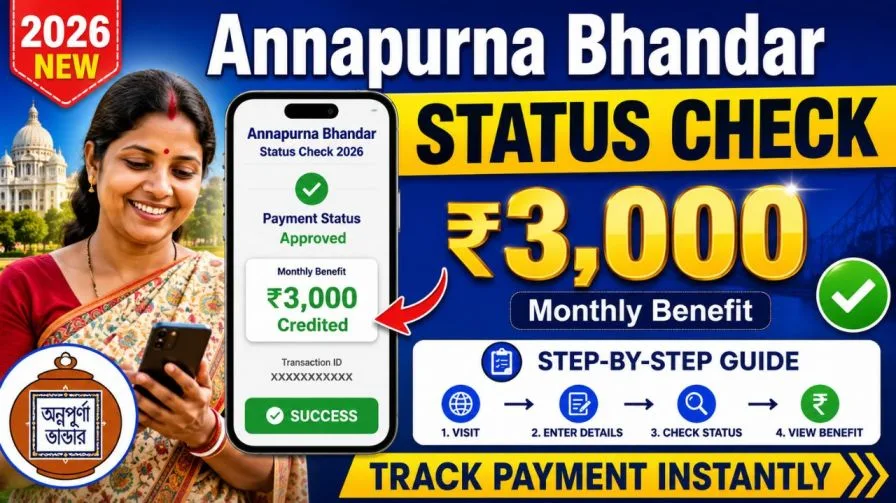
Once your application is in the system, the Yuva Sathi Status Check takes under a minute.
- Go to yubasathi.wb.gov.in.
- Click “Application Status” or “Track Your Application.”
- Enter your 12-digit Aadhaar number, or your Reference ID, or your registered mobile number.
- Complete the OTP verification. (If the OTP doesn’t come, your mobile number might have changed—use Aadhaar as the identifier instead.)
- Your status will appear on screen, typically with a date stamp.
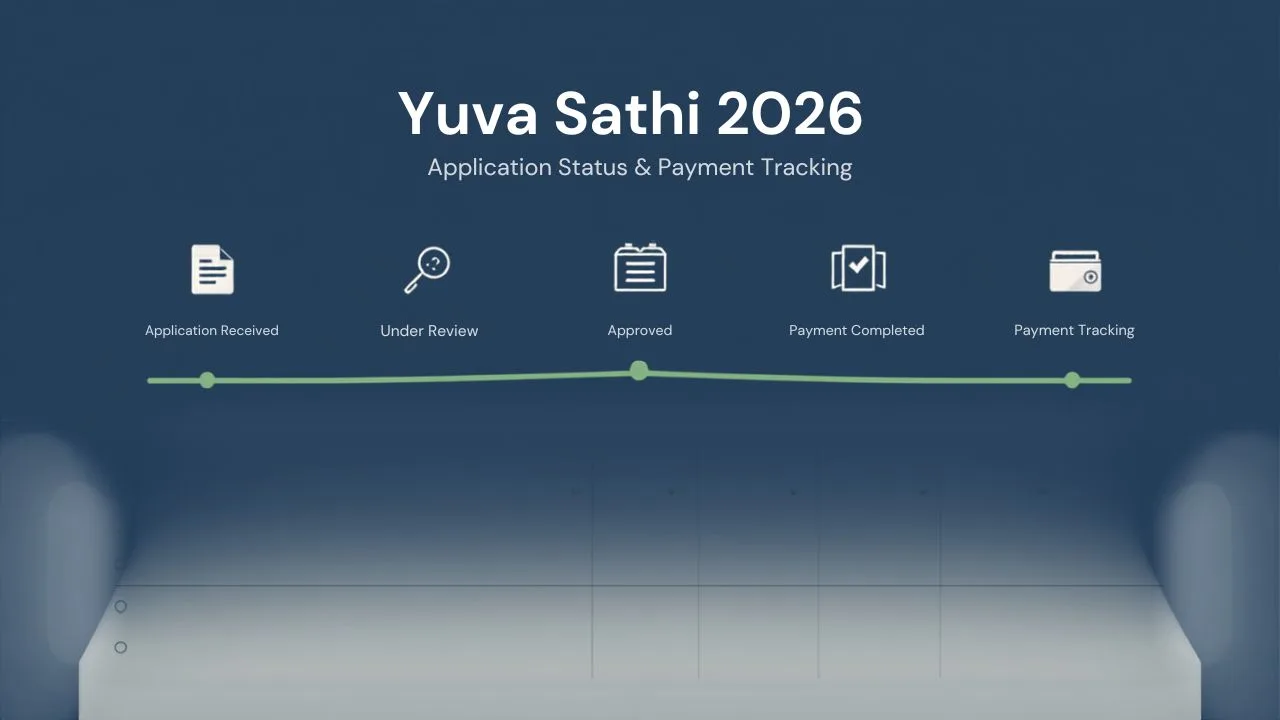
Status Decoder – Beyond the Labels
| Status | What’s Actually Happening | What You Should Do |
|---|---|---|
| Submitted | Form received, no officer has opened it yet. | Wait. If this status remains unchanged beyond 30 days, visit your block youth office. |
| Under Verification | Document scrutiny is active. The officer may call you for physical verification. | Keep your phone on. If you miss a call from an unknown number, call back—it could be the verifying officer. |
| Approved | Eligibility confirmed. Bank validation pending for DBT. | Check your bank’s NPCI Aadhaar seeding immediately. If not seeded, payment will fail. |
| Payment Initiated | Treasury has sent the file to the bank. Money usually credits within 2–3 working days. | If 5 days pass without credit, visit bank to check Aadhaar seeding. |
| Rejected | Your application failed verification. Reason may or may not be displayed. | If reason is shown, correct the issue and wait for next window. If no reason, email the official helpdesk quoting your Reference ID. |
A Strategic Habit: Check your status on the 10th and 20th of every month. The portal updates batches around these dates. If you see “Approved” on the 10th but no money by the 20th, you’ve got a seeding problem that needs immediate bank intervention.